Create Social Posts and Exhibit Labels
Learn how to generate social media posts, and printable exhibit labels or wall placards.
- Last updated: October 2026
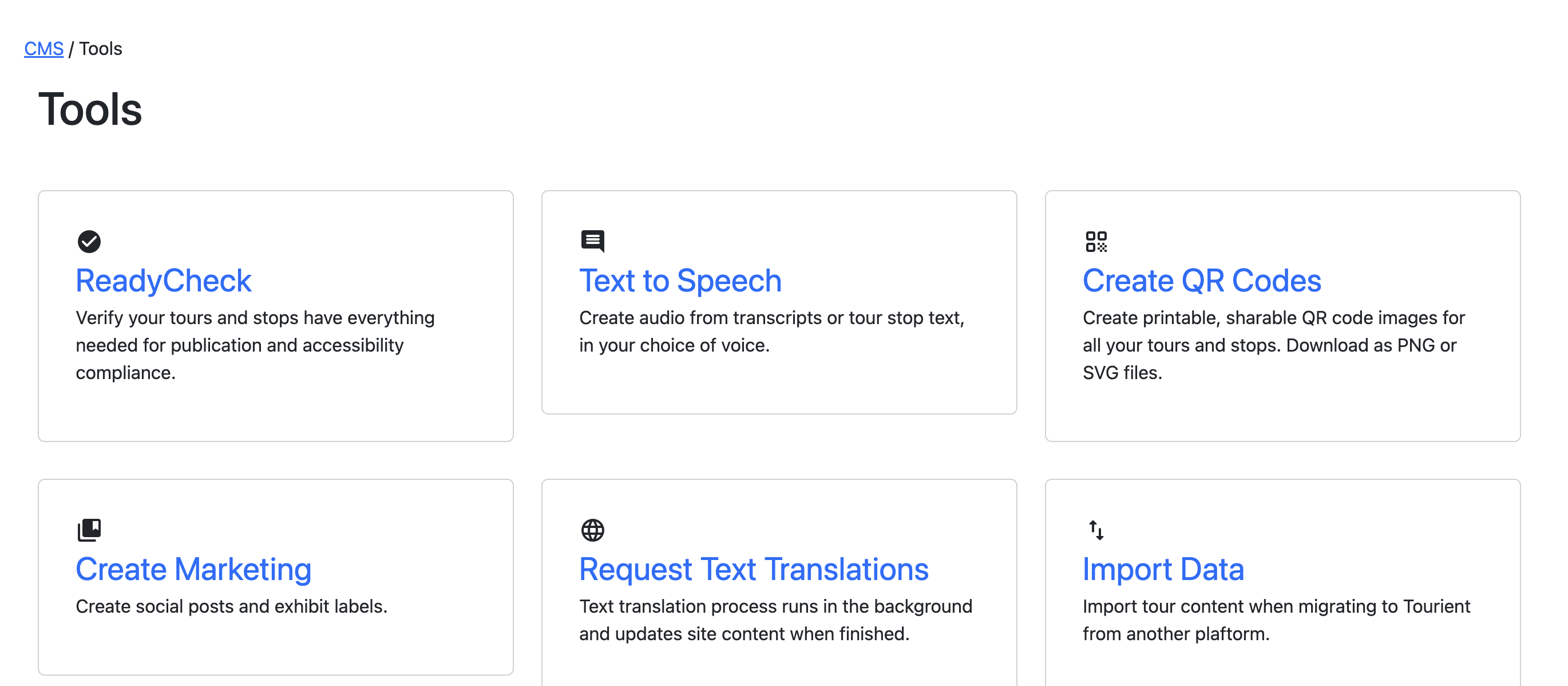
Click on Tools in the top menu bar, and then click on Create Marketing in the list.
Create Social Posts
Select a tour using the dropdown menu.
Choose a background color. The text color and Tourient icon color will adjust themselves based on the color you choose.
Click Download as JPG. The social post will generate and be saved to your Downloads folder.
Create Wall Placards
Select a tour using the dropdown menu. A preview of the placard appears.
Click Generate. The wall placards for every tour stop will be generated in just a few seconds, and saved to your Downloads folder as a ZIP file.