Gatekeep a Tour with Access Codes
Follow these steps to control access to a tour in Tourient with codes.
- Last updated: October 2026
- This takes: 5+ mins
What are access codes?
Access codes are like passwords. They are a series of letters, numbers, and/or special characters that allow access to online content, like your Tourient tours.
Once a code is successfully entered, it will not need to be entered again.
How to add tour access codes in Tourient
Open the tour page that you want to add gatekeeping to
In the sidebar on the right side, look for Tour Access.
You may see a Hide Tour toggle. This will hide the tour from search engines and the home page. It can be enabled together with Gatekeeping, or separately.
Click the toggle to Gatekeep Tour. Two sub-items appear: access codes and access code help text
Next, add your access codes.
How to share access codes
Access codes can be shared via emails, text messages (with consent), or onsite signage or receipts. They can be used to facilitate selling tours via any point of sale (POS) system your organization already uses.
How to use access codes in Tourient
With gatekeeping enabled, open the tour page.
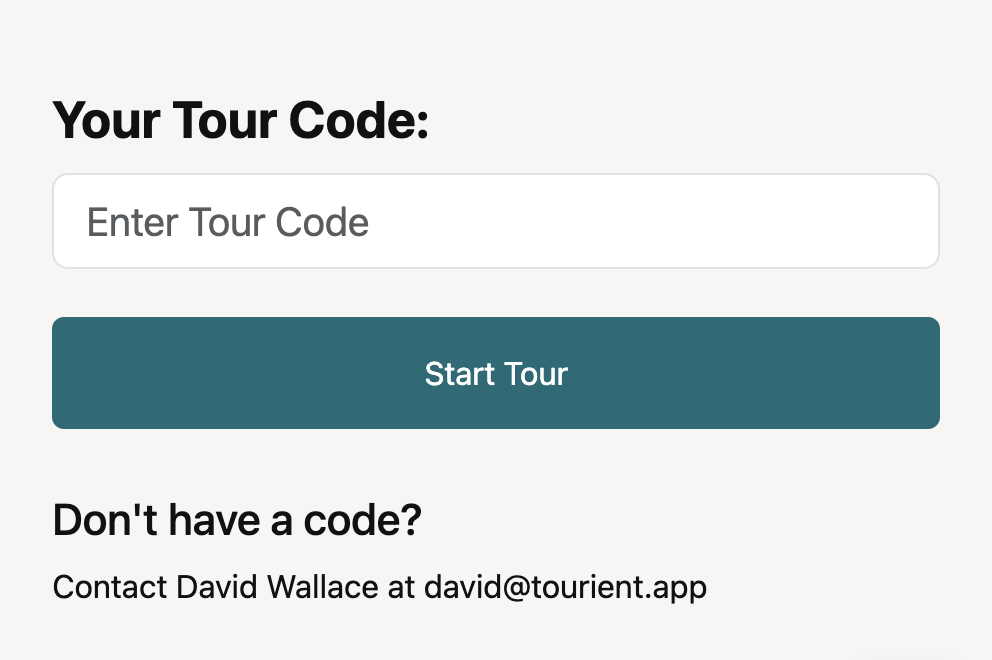
You'll see a form asking for an access code.
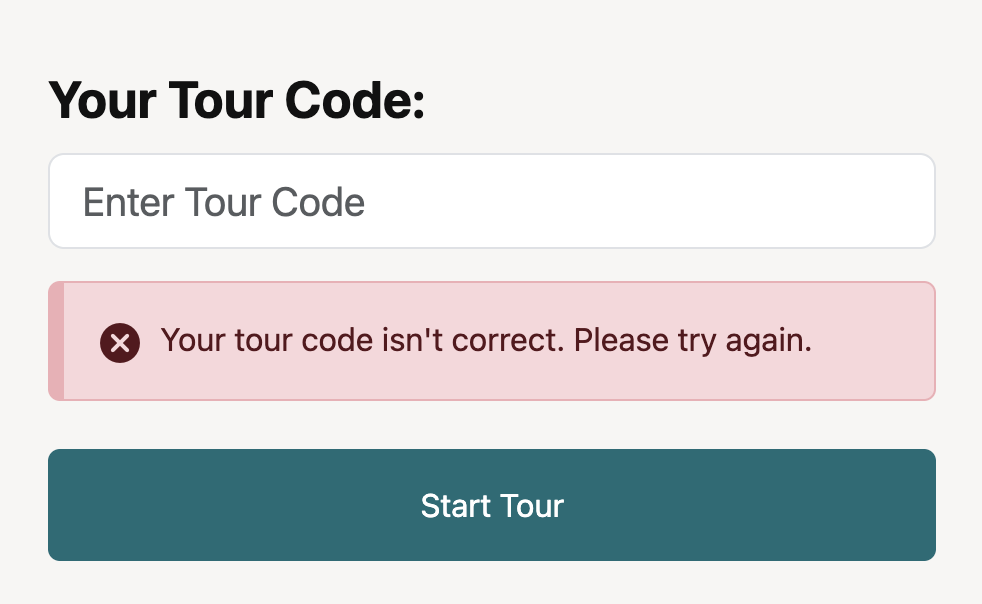
Enter the code. If it's correct, you'll see the tour. If it's incorrect, a gentle error message appears.